Creating a productive home workspace is essential for anyone working remotely or spending significant time on tasks requiring concentration. A well-designed workspace can help you stay focused, reduce stress, and increase overall comfort, making your workday more enjoyable and efficient. In this post, we’ll explore practical tips to help you set up a home workspace that meets your needs and boosts productivity.
Choose the Right Location
Find a Quiet Spot
Select a part of your home that is quiet and minimizes distractions. Avoid high-traffic areas such as the living room or kitchen if possible. A dedicated space helps your brain associate that spot with work, enhancing focus.
Consider Natural Light
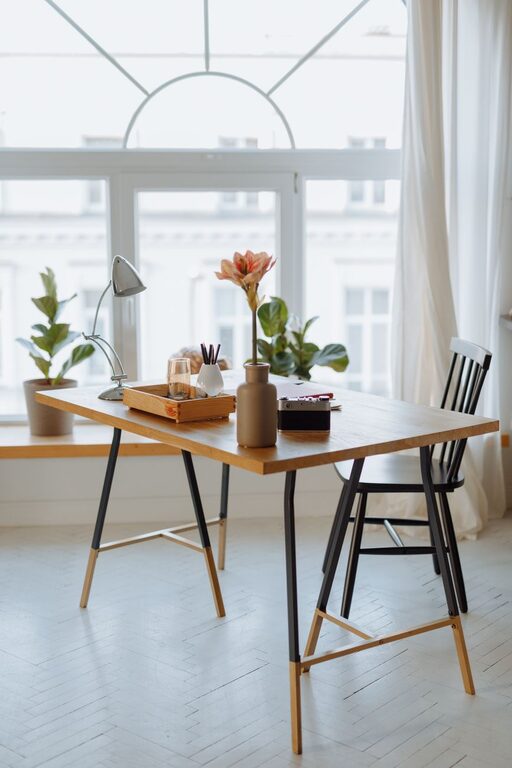
Natural light has a positive impact on mood and alertness. Whenever you can, position your desk near a window to take advantage of sunlight. If natural light is limited, invest in good quality, adjustable artificial lighting.
Invest in Ergonomic Furniture
Select a Comfortable Chair
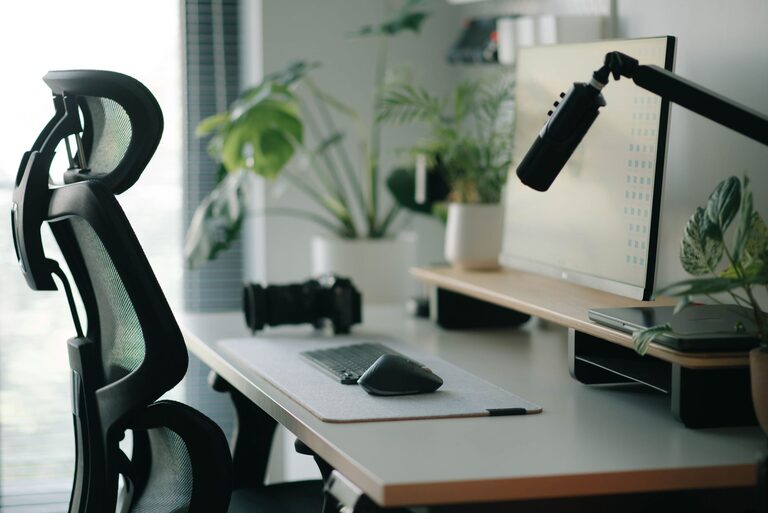
A supportive chair with adjustable height and lumbar support prevents back pain and improves posture. Since you’ll be spending hours sitting, comfort is key to maintaining focus.
Choose a Suitable Desk
Pick a desk that offers ample space for your computer, paperwork, and other essentials. Consider adjustable desks that allow you to switch between sitting and standing to promote movement during the day.
Organize Your Workspace Effectively
Declutter Regularly
A clutter-free workspace reduces distractions and helps you think more clearly. Take a few minutes at the end of each day to tidy up your desk and put items back in their place.
Use Storage Solutions
Incorporate shelves, drawers, or desk organizers to keep items neat and accessible. Label containers or folders to locate files quickly and save time.
Optimize Technology and Tools
Choose the Right Equipment
Ensure your computer, keyboard, mouse, and other devices are reliable and comfortable to use. Consider noise-canceling headphones if you work in a noisy environment.
Maintain a Strong Internet Connection
A stable internet connection is vital for remote work, especially if you attend video calls or upload files regularly. Position your router nearby or use a wired connection for stability.
Personalize Your Space
Add Inspiring Decor
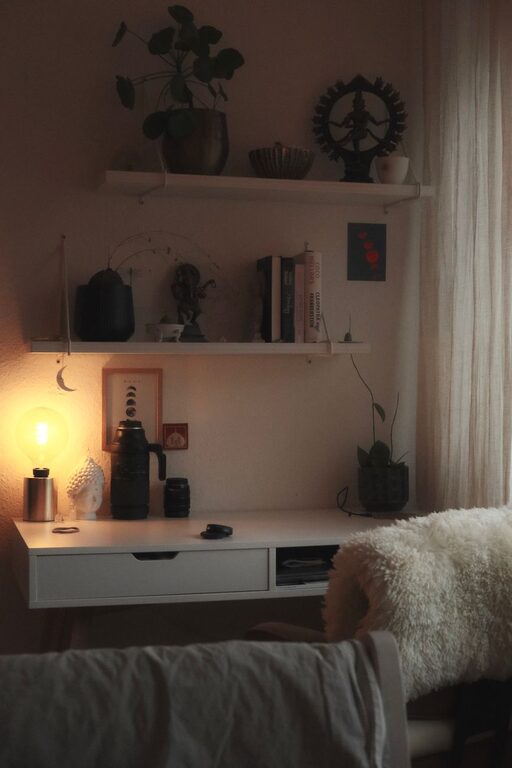
Incorporate plants, artwork, or motivational quotes to create a pleasant atmosphere. Personal touches can increase happiness and motivation during work hours.
Control Temperature and Air Quality
Make sure your workspace is well-ventilated and maintain a comfortable temperature. Use fans, heaters, or air purifiers as needed to improve air quality and stay comfortable.
Establish Boundaries and Routine
Set Clear Work Hours
Define when your workday starts and ends to maintain a healthy work-life balance. Communicate these boundaries with family or housemates to minimize interruptions.
Take Regular Breaks
Incorporate short breaks during the day to stretch, hydrate, and rest your eyes. Using techniques like the Pomodoro method (25 minutes of work followed by a 5-minute break) can help maintain focus.
Manage Noise and Distractions
Use Sound Solutions
If you deal with background noise, white noise machines or calming music playlists can help you concentrate better.
Limit Interruptions
Inform family members or roommates about your work schedule and request quiet times. Use do-not-disturb modes on devices to stay focused on tasks.
Maintain Healthy Habits
Stay Hydrated and Nourished
Keep a water bottle nearby and have healthy snacks to maintain energy levels. Proper nutrition supports brain function and physical health.
Incorporate Movement
Stand up, stretch, or take a short walk regularly to prevent stiffness and boost circulation. Movement helps refresh your mind and avoid fatigue.
—
By carefully setting up a home workspace that prioritizes comfort and minimizes distractions, you can enhance your productivity and enjoy a more pleasant work experience. Apply these tips one step at a time and adjust your environment as needed to find what works best for you. Happy working!