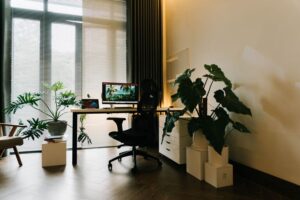
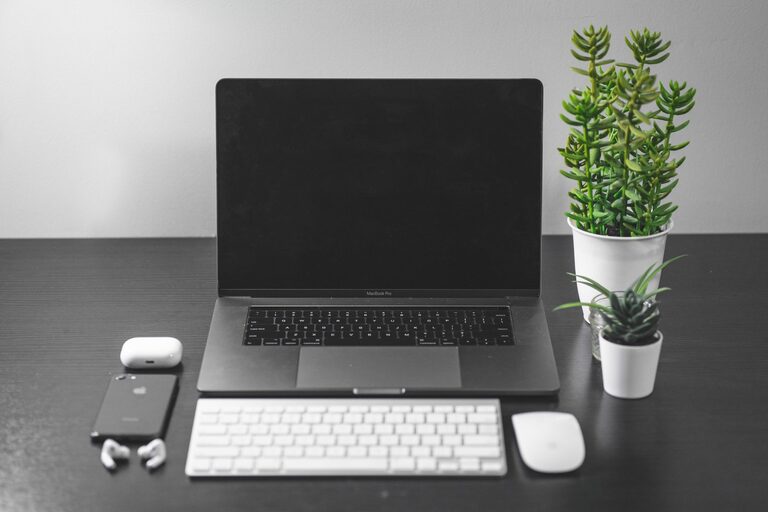
Creating a productive home office space is essential for anyone working remotely or managing tasks from home. A well-designed workspace can enhance focus, reduce distractions, and even improve your overall well-being. Whether you have a dedicated room or a small corner, these tips will help you set up an efficient and comfortable home office.
1. Choose the Right Location
Finding the best spot for your home office is the first step.
– Quiet and Private: Select a location away from noise and high-traffic areas to minimize interruptions.
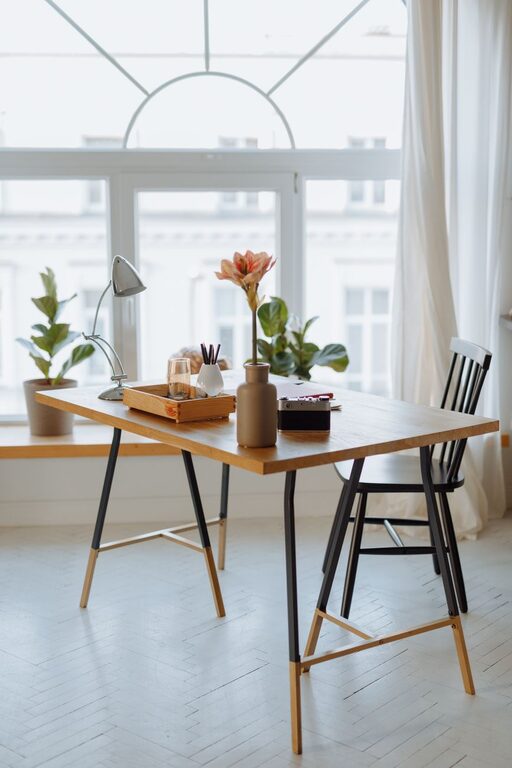
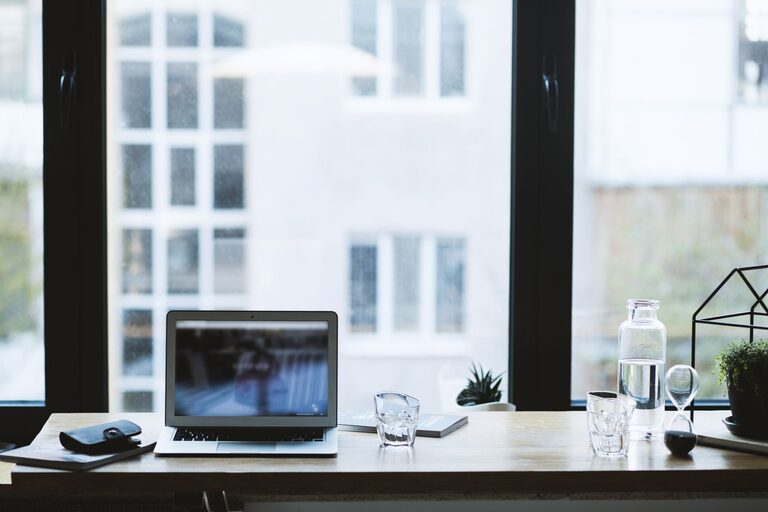
– Natural Light: Position your desk near a window if possible. Natural light can boost mood and energy.
– Comfortable Size: Even a small space can work well if organized properly, but make sure you have enough room to move and stretch.
2. Invest in Ergonomic Furniture
Comfort is key to maintaining productivity throughout the day.
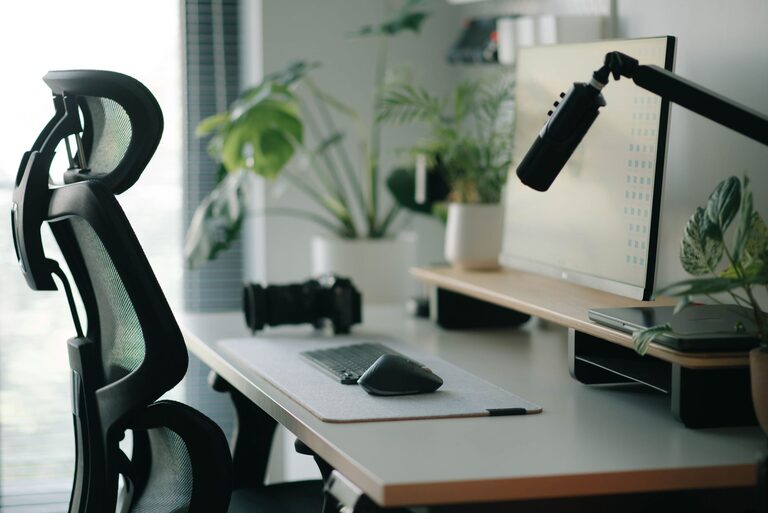
– Ergonomic Chair: Choose a chair with adjustable height, lumbar support, and comfortable padding.
– Desk Height: Your desk should allow your elbows to rest at a 90-degree angle when typing.
– Monitor Positioning: Place your computer screen at eye level to avoid neck strain.
3. Organize Your Workspace
A clutter-free environment helps you focus better.
– Declutter Regularly: Keep only essential items on your desk to avoid distractions.
– Storage Solutions: Use shelves, filing cabinets, or desk organizers to store paperwork and supplies.
– Cable Management: Tidy up cords using clips or cable boxes to keep your workspace neat.
4. Personalize Your Environment
While keeping it professional, add personal touches to inspire creativity.
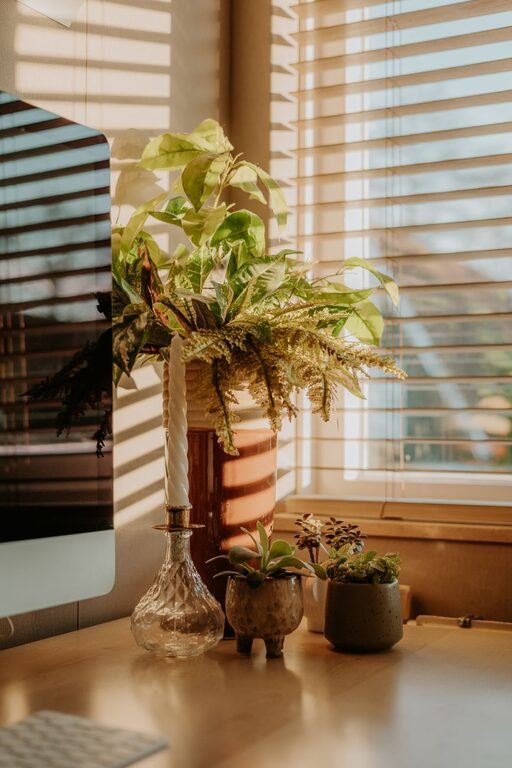
– Add Plants: Small indoor plants can improve air quality and provide a calming effect.
– Artwork or Photos: Display items that motivate or bring you joy without being too distracting.
– Comfort Items: A cozy blanket or your favorite mug can make your workday more pleasant.
5. Optimize Lighting
Good lighting reduces eye strain and keeps you alert.
– Use Layered Lighting: Combine ambient (general) lighting with task lighting, like a desk lamp.
– Avoid Screen Glare: Position your monitor to avoid reflections from windows or overhead lights.
– Consider Light Temperature: Cooler (bluish) light in the morning and warmer (yellowish) light in the evening can align with your natural rhythms.
6. Minimize Distractions
Creating boundaries helps you stay focused.
– Set Clear Work Hours: Communicate your schedule to family or housemates.
– Use Noise-Canceling Headphones: They can block out background noise and signal you are working.
– Limit Smartphone Use: Keep your phone on silent or in another room if it’s not essential for work.
7. Establish a Routine
Consistency boosts productivity and sets the tone for your day.
– Design a Morning Ritual: Start with activities like stretching, breakfast, or a quick review of your tasks.
– Schedule Breaks: Take short breaks every hour to relax your eyes and move around.
– Organize Your Tasks: Use to-do lists or digital planners to keep track of priorities and deadlines.
8. Incorporate Technology Wisely
Equip your workspace with tools that enhance, not complicate, your workflow.
– Reliable Internet: Ensure you have a stable connection to avoid interruptions.
– Essential Software: Use apps for communication, task management, and time tracking.
– Backup Power: Consider a surge protector or UPS to protect your devices from power outages.
9. Maintain Cleanliness
A clean space fosters a clear mind.
– Daily Tidying: Spend a few minutes at the end of each workday to straighten your area.
– Clean Equipment: Regularly wipe your keyboard, mouse, and desk to prevent germs.
– Air Quality: Open windows periodically or use an air purifier to keep fresh air flowing.
10. Evaluate and Adjust
Your needs may change, so periodically assess your setup.
– Ask for Feedback: If you share your space, discuss what works and what doesn’t.
– Adapt Your Layout: Move furniture or update your equipment as needed.
– Monitor Comfort and Productivity: Keep track of how your environment affects your work to make improvements.
—
Designing a productive home office is about balancing comfort, functionality, and personalization. By applying these tips, you can create a space that supports your work habits, nurtures focus, and makes your home workday more enjoyable. Remember, the best office setup is one that fits your unique needs and helps you thrive.